
Setting Up NinjaTrader on a VPS: Why 24/7 Bot Uptime Beats Running Bots From a Home PC
Your bots don't care if you're awake. The market doesn't either. If NinjaTrader is only running when your laptop is open and your home Wi-Fi is cooperating, you've built an automated system with a very manual failure point — you. A VPS (Virtual Private Server) fixes that by putting NinjaTrader on a machine that's always on, always connected, and never closes its lid to go make coffee.
What a VPS Actually Is (No Coding Required)
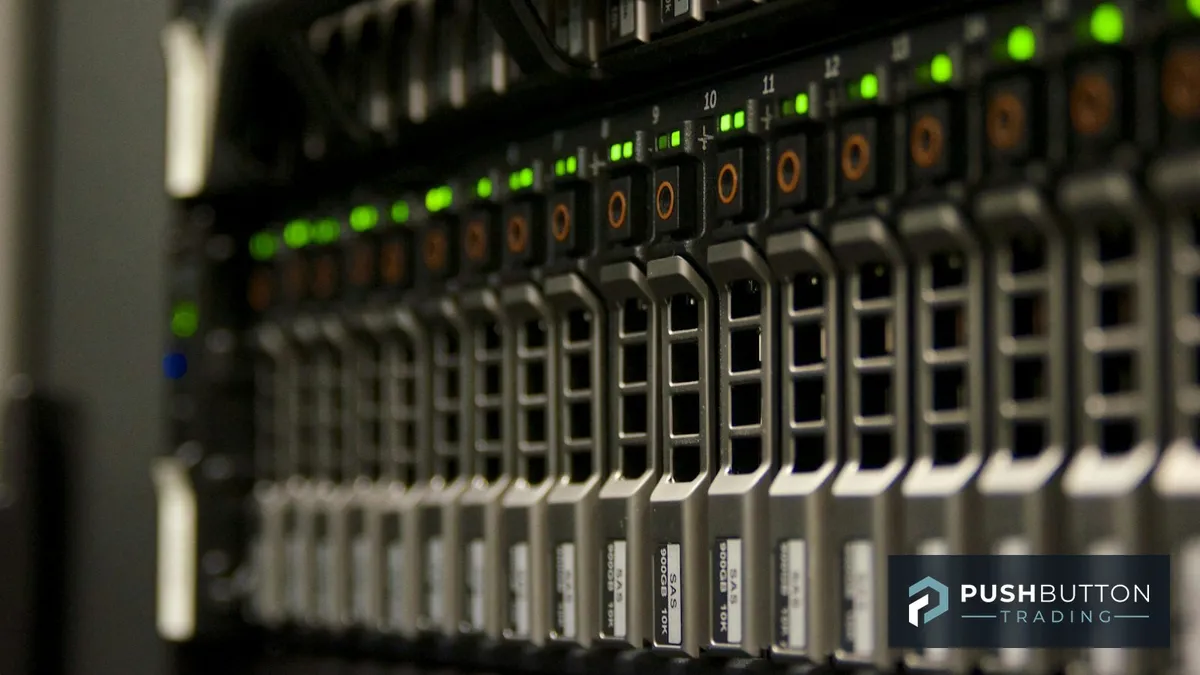
A VPS is a rented computer that lives in a data center instead of on your desk. You remote into it the same way you'd remote into a work laptop, install NinjaTrader exactly like you would locally, and load your bots. The difference is that data center has redundant power, redundant internet, and nobody unplugging it to vacuum. For bot traders, that reliability is the entire point — a platform that's a "setup once, trust it" tool instead of something you babysit.
Why Home PCs Quietly Sabotage Automated Trading
A home setup fails in ways that have nothing to do with your strategy. The power blinks during a storm. Windows decides 2 PM is a great time to install updates and reboot. Your internet drops for ninety seconds right as an ORB signal would have fired. None of that shows up in a backtest, because a backtest never loses its connection. It only shows up in your real equity curve, as a bot that should have been in a trade and wasn't.
A VPS doesn't remove risk from the trade — it removes risk from the infrastructure underneath the trade. Those are different problems, and only one of them is solved by having a better strategy.
Picking a VPS That's Actually Built for Trading
Not every cheap VPS provider is a good fit. Look for a few specifics before you commit to one:
- Low latency to your broker/data feed — a VPS located near your broker's servers (often Chicago or New York for futures) shaves milliseconds off order routing.
- Trading-specific hosting — several providers specialize in NinjaTrader hosting specifically, with pre-configured Windows environments and support that actually understands the platform.
- Enough resources — running a full bot portfolio across multiple instruments needs more RAM and CPU than a bare-minimum $5/month box. Underpowered VPS plans are a common reason charts freeze or indicators lag during high-volume opens.
- Uptime guarantee — look for a provider that publishes an actual SLA, not just a marketing claim.
The Setup Itself Isn't Complicated
Once you've picked a provider, getting NinjaTrader running is close to identical to a local install: remote in, download NinjaTrader 8, install it, log into your broker connection, and import your bot files the same way you would on your own machine. The bigger decision isn't the install — it's deciding what runs on the VPS versus what stays local. Most bot traders keep the VPS strictly for execution (the bots, the platform, the live connection) and do their chart review, backtesting, and strategy tweaks on their own PC, then push finished changes to the VPS.
What Changes Once Your Bots Are VPS-Hosted
The honest answer: less than you'd think, day to day. Your bots still follow the same entries, the same stops, the same daily loss limits. What changes is what happens when you're not looking — which, if you're trading because you have a day job and limited screen time, is most of the trading day. A bot that's supposed to run "almost on autopilot" only actually does that when the autopilot can't get interrupted by a router reboot.
If you're still running bots off a home PC, a VPS is one of the cheapest upgrades you can make to a trading setup — often less than $30/month for infrastructure that stops costing you missed trades. Explore the full bot lineup and the Push Button Trading platform to see which bots are worth running 24/7 in the first place, and check out our NinjaTrader Control Center guide and alert setup walkthrough for the next steps once your bots are hosted and running.





